显示器分辨率全解析:从2K、4K到PPI与专业选购指南
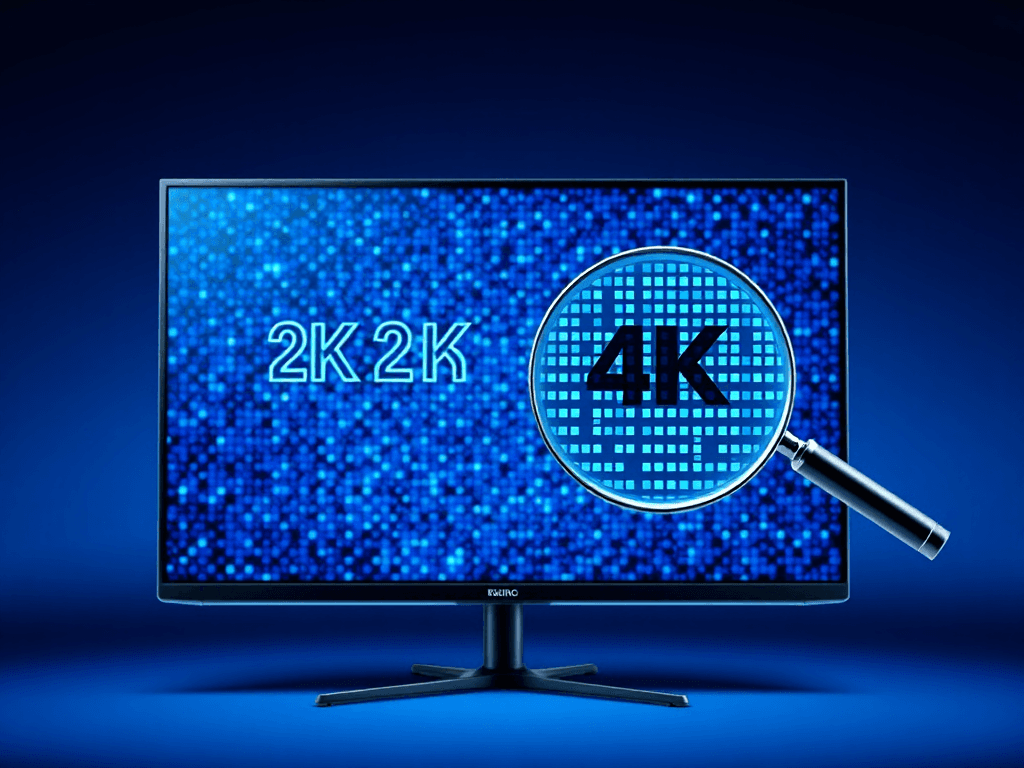
English Summary: This content analyzes display resolution standards (2K, 4K) and their application in monitors, explaining pixel density (PPI) and providing specific monitor recommendations for technical professionals. (中文摘要翻译:本文解析了2K、4K等显示分辨率标准在显示器中的应用,详细说明了像素密度(PPI)概念,并为技术专业人士提供了具体的显示器选购建议。)
Introduction: The Evolution of Resolution Terminology
The terms "2K" and "4K" originated from the Digital Cinema Initiatives (DCI) standards, which defined specifications like 2048×1080 (2K) and 4096×2160 (4K) for professional cinema. Over time, marketers adopted and adapted these terms for consumer televisions and computer monitors. Through widespread commercial promotion and usage, these designations have become the de facto standard for describing display resolution in the consumer electronics space. This discussion will focus on their application in the context of computer monitors.
“2K”和“4K”这些术语最初源于数字影院倡议(DCI)标准,该标准为专业影院定义了诸如2048×1080(2K)和4096×2160(4K)等规格。随着时间的推移,营销人员将这些术语引入并应用于消费级电视和电脑显示器领域。通过广泛的商业推广和使用,这些名称已成为消费电子领域描述显示分辨率的实际标准。本文将重点讨论它们在电脑显示器中的应用。
Understanding 2K, 4K, and 8K
Designations like 2K, 4K, and 8K provide a clear and immediate way to distinguish between different resolution tiers. This naming convention is far more intuitive than ambiguous terms like "HD," "Full HD," or "Ultra HD." In the context of common 16:9 aspect ratio monitors, the typical resolutions are:
- 4K (UHD): 3840 x 2160 pixels
- 2K (QHD): 2560 x 1440 pixels
It's crucial to understand that 2K and 4K represent a range of resolutions, as slight variations occur with different screen aspect ratios (e.g., 21:9 ultrawide). For instance, a 2K resolution is not simply double the pixel count of 1080p (1920x1080); it's approximately 1.7 times the pixels. True 4K resolution delivers a full four times the pixel count of 1080p.
2K、4K和8K等名称提供了一种清晰、即时区分不同分辨率等级的方法。这种命名约定比“高清”、“全高清”或“超高清”等模糊术语直观得多。在常见的16:9比例显示器中,典型分辨率是:
- 4K (UHD): 3840 x 2160 像素
- 2K (QHD): 2560 x 1440 像素
必须理解的是,2K和4K代表的是一个分辨率范围,因为不同的屏幕比例(例如21:9超宽屏)会导致轻微的差异。例如,2K分辨率一种显示分辨率标准,通常指2560×1440像素,源于电影数字影院倡议(DCI)的2048×1080标准。并非1080p(1920x1080)像素数的简单两倍;它大约是1080p像素数的1.7倍。而真正的4K分辨率超高清显示分辨率标准,通常指3840×2160像素,源于DCI的4096×2160标准。则提供了1080p像素数的整整四倍。
Pixels and Pixel Density (PPI)
What is a Pixel?
A pixel, or picture element, is the smallest controllable unit of a digital image displayed on a screen. You can often see individual pixels by looking very closely at a display, especially on larger screens with lower resolutions.
Calculating Total Pixels:
The total number of pixels on a screen is the product of its horizontal and vertical pixel counts. For example:
- 1080p Resolution: 1920 (horizontal) x 1080 (vertical) = 2,073,600 total pixels.
The Key Metric: Pixels Per Inch (PPI)
To truly gauge a screen's sharpness and detail, you must consider Pixels Per Inch (PPI), or pixel density. PPI measures how many pixels are packed into one linear inch of the screen. A higher PPI generally means a sharper, less "pixelated" image, assuming a typical viewing distance.
A critical insight is that resolution alone does not determine sharpness; screen size is equally important. For instance:
- A 34-inch monitor with a 2560x1440 resolution has roughly the same PPI (~82) as a 27-inch monitor with a 1920x1080 resolution. Their perceived sharpness at a normal viewing distance would be similar.
- A 34-inch ultrawide monitor with a 3440x1440 resolution offers a PPI closer to that of a standard 27-inch 2560x1440 (2K) monitor.
什么是像素?
像素,或称图像元素,是屏幕上显示的数字图像的最小可控单元。通过非常近距离地观察显示器,尤其是在分辨率较低的大屏幕上,通常可以看到单个像素。计算总像素数:
屏幕上的总像素数是其水平和垂直像素数的乘积。例如:
- 1080p 分辨率: 1920 (水平) x 1080 (垂直) = 2,073,600 总像素数。
关键指标:每英寸像素数(PPI)
要真正衡量屏幕的锐度和细节,必须考虑每英寸像素数(PPI),即像素密度。PPI衡量的是屏幕每线性英寸内包含的像素数量。在典型的观看距离下,更高的PPI通常意味着更清晰、更少“像素化”的图像。一个关键的见解是:仅分辨率并不能决定清晰度;屏幕尺寸同样重要。 例如:
- 一台34英寸、2560x1440分辨率的显示器,其PPI(约82)与一台27英寸、1920x1080分辨率的显示器大致相同。在正常观看距离下,它们的感知清晰度是相似的。
- 一台34英寸、3440x1440分辨率的超宽屏显示器,其PPI更接近于标准的27英寸2560x1440(2K)显示器。
Practical Monitor Selection Guide
Based on the principles of resolution and PPI, here are a few carefully selected 27-inch 2K monitors that offer excellent value for various needs. Consider your primary use case (office work, content creation, entertainment) and budget when choosing.
1. HKC T2752Q
- Key Specs: 90% DCI-P3 color gamut, 100% sRGB, 75Hz refresh rate, 300 nits brightness.
- Features: SGS Eye Care certification, DC dimming (reduces flicker), VA panel.
- Verdict: A solid all-rounder for daily use with good color coverage and eye comfort features.
1. HKC T2752Q
- 关键参数: 90% DCI-P3色域, 100% sRGB, 75Hz刷新率, 300尼特亮度。
- 特点: SGS爱眼认证, DC调光(减少闪烁), VA面板。
- 评价: 适合日常使用的全能型选择,色域覆盖显示器能够显示的颜色范围,常用标准包括sRGB、DCI-P3和AdobeRGB。良好并具备护眼功能。
2. Redmi 27-inch 2K Display
- Key Specs: IPS panel, DC dimming.
- Features: Praised for its build quality.
- Note: Lacks VESA mount support. Slightly higher price point justified by the IPS panel's typically better viewing angles and color accuracy.
2. Redmi 27英寸 2K显示器
- 关键参数: IPS面板, DC调光。
- 特点: 做工受到好评。
- 注意: 不支持VESA壁挂。价格稍高,但IPS面板通常具有更好的可视角度和色彩准确度。
3. Skyworth F27B40Q
- Key Specs: Excellent color accuracy: 100% sRGB, 92% DCI-P3, 92% Adobe RGB.
- Verdict: A top-tier office/creative monitor with both strong performance and a sleek design. Highly recommended for color-sensitive work.
3. 创维 F27B40Q
- 关键参数: 出色的色彩准确性:100% sRGB, 92% DCI-P3, 92% Adobe RGB。
- 评价: 一款顶级的办公/创意设计显示器,性能强劲且设计时尚。强烈推荐用于对色彩敏感的工作。
4. KOIOS K2723U
- Key Specs: Uses a BOE factory-calibrated panel with original backlight. Covers 100% sRGB, 88% DCI-P3, ΔE < 2, 300 nits brightness, 10-bit (8-bit+FRC) color depth.
- Features: Three-sided narrow bezels.
- Verdict: An outstanding value proposition, often available around 850 RMB. Suitable for both entertainment and design tasks.
4. KOIOS K2723U
- 关键参数: 采用京东方(BOE)原厂校准面板和原厂背光。覆盖100% sRGB, 88% DCI-P3, ΔE < 2, 300尼特亮度, 10位(8位+FRC)色深。
- 特点: 三边窄边框。
- 评价: 性价比极高,价格通常在850元人民币左右。适用于娱乐和设计任务。
5. HKC T2751U
- Key Specs: 95% DCI-P3, ΔE < 2, 300 nits brightness.
- Features: Three-sided narrow bezels, ergonomic stand (height/pivot adjustment), 65W USB-C power delivery.
- Verdict: A versatile choice for users needing connectivity and adjustability.
5. HKC T2751U
- 关键参数: 95% DCI-P3色域, ΔE < 2, 300尼特亮度。
- 特点: 三边窄边框,人体工学支架(高度/旋转调节),65W USB-C供电。
- 评价: 对于需要连接性和可调节性的用户来说,是一个多功能的选择。
6. INNOCN 27C1U
- Key Specs: High-end panel (M270QAN06.0), 100% sRGB, 96% Adobe RGB, 96% DCI-P3, 400 nits brightness, HDR400 support, 10-bit color, ΔE < 2.
- Key Feature: Hardware color gamut switching mode, making it highly compatible with Apple MacBooks for accurate color reproduction.
- Price: Typically around 1599 RMB.
6. INNOCN 27C1U
- 关键参数: 高端面板(M270QAN06.0),100% sRGB, 96% Adobe RGB, 96% DCI-P3,400尼特亮度,HDR400支持,10位色深,ΔE < 2。
- 关键特点: 硬件色域切换模式,使其与Apple MacBook高度兼容,可实现准确的色彩再现。
- 价格: 通常在1599元人民币左右。
Further Reading and Resources
For a more comprehensive and detailed analysis, including extensive comparison tables covering sizes from 24 to 34 inches, resolutions up to 4K, and high refresh rates for gaming, please refer to the full guide (in Chinese).
- 【200款表格】2022-34寸/32寸/28寸/27寸/24寸-4K/2K-144hz/165hz/170hz 电竞/游戏/办公 显示器推荐排行榜
- 终极如何选购显示器/指南-小白篇(1W字-长期更新)
The guide also covers specialized topics like:
- Ultrawide (21:9) Monitors: 29", 30", 34"
- Monitor Arms and Mounts
如需更全面详细的分析,包括涵盖24至34英寸尺寸、高达4K分辨率超高清显示分辨率标准,通常指3840×2160像素,源于DCI的4096×2160标准。以及游戏高刷新率的广泛对比表格,请参阅完整指南(中文)。
- 【200款表格】2022-34寸/32寸/28寸/27寸/24寸-4K/2K-144hz/165hz/170hz 电竞/游戏/办公 显示器推荐排行榜
- 终极如何选购显示器/指南-小白篇(1W字-长期更新)
该指南还涵盖以下专题:
- 超宽屏(21:9)显示器:29英寸、30英寸、34英寸
- 显示器支架和挂架
版权与免责声明:本文仅用于信息分享与交流,不构成任何形式的法律、投资、医疗或其他专业建议,也不构成对任何结果的承诺或保证。
文中提及的商标、品牌、Logo、产品名称及相关图片/素材,其权利归各自合法权利人所有。本站内容可能基于公开资料整理,亦可能使用 AI 辅助生成或润色;我们尽力确保准确与合规,但不保证完整性、时效性与适用性,请读者自行甄别并以官方信息为准。
若本文内容或素材涉嫌侵权、隐私不当或存在错误,请相关权利人/当事人联系本站,我们将及时核实并采取删除、修正或下架等处理措施。 也请勿在评论或联系信息中提交身份证号、手机号、住址等个人敏感信息。