zTasker v2.0.5:全面解析Windows自动化神器,100+动作类型提升电脑效率
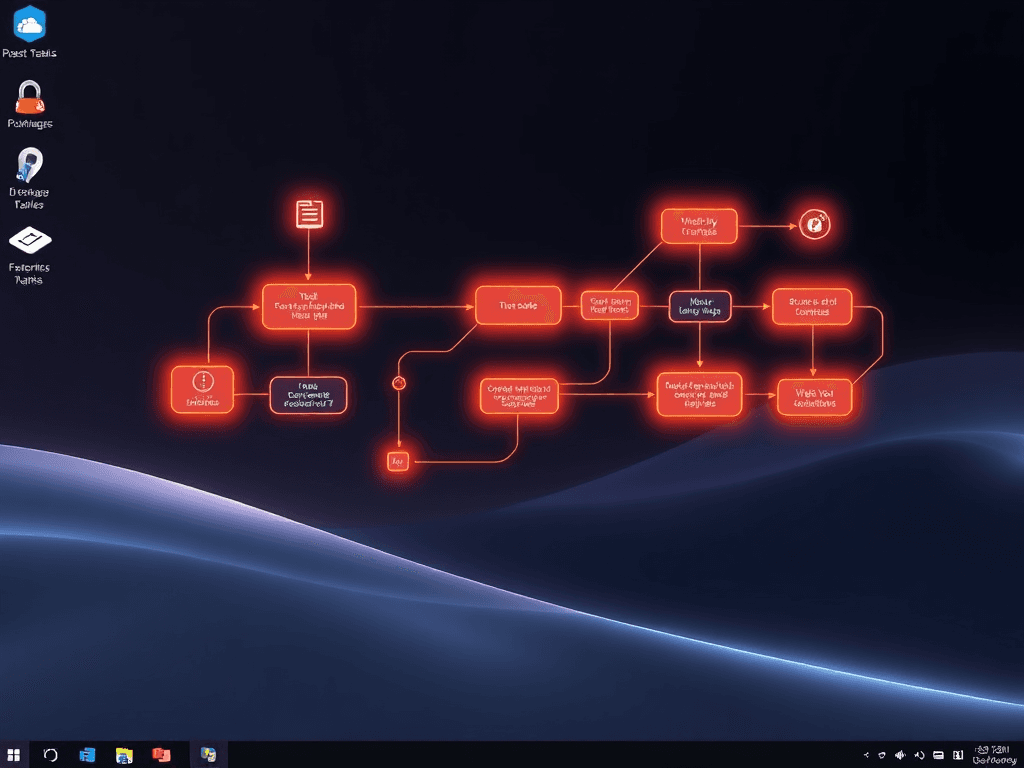
ZTasker v2.0.5 is a comprehensive, free automation tool for Windows that supports task grouping, compound tasks, and over 100 action types with various triggers including timing, hotkeys, and system monitoring. It features advanced capabilities like script execution, media control, and offline operation, making it ideal for enhancing PC efficiency. (ZTasker v2.0.5 是一款功能全面的免费Windows自动化工具,支持任务分组、复合任务及100多种动作类型,可通过定时、热键和系统监控等多种条件触发。具备脚本执行、媒体控制和离线运行等高级功能,可显著提升电脑使用效率。)
Introduction
In the realm of Windows automation, users often seek tools that offer more power and flexibility than the built-in Task Scheduler, without the complexity of full-scale scripting. zTasker emerges as a compelling solution. It is a free, feature-rich automation utility that supports task scheduling via timers, hotkeys, or conditional triggers. With over 100 action types and 30+ trigger conditions—spanning system monitoring, network events, and hardware states—it caters to a wide array of automation needs, from simple file backups to complex system management workflows. Its portable nature, low resource footprint, and compatibility from Windows 7 to 11 make it a versatile tool for both casual users and power users looking to streamline their PC operations.
在Windows自动化领域,用户常常寻找比系统自带任务计划程序更强大、更灵活,但又不像完整脚本编写那么复杂的工具。zTasker 应运而生,成为一个颇具吸引力的解决方案。它是一款免费、功能丰富的自动化实用程序,支持通过定时器、热键或条件触发器进行任务调度。拥有超过100种动作类型和30多种触发条件(涵盖系统监控、网络事件和硬件状态),它能满足从简单文件备份到复杂系统管理流程的各种自动化需求。其便携性、低资源占用以及从 Windows 7 到 11 的兼容性,使其成为休闲用户和高级用户优化PC操作的通用工具。
Core Features and Capabilities
1. Versatile Triggering System
zTasker's power begins with its multifaceted triggering system. Unlike basic schedulers, it can initiate tasks not just at specific times (down to the second, with support for lunar calendar dates, countdowns, and loops), but also in response to dynamic system conditions. This includes CPU/GPU load, memory usage, network activity, system idle time, startup/shutdown events, and more. This allows for intelligent automation that adapts to your system's state in real-time.
zTasker 的强大始于其多方面的触发系统。与基础调度程序不同,它不仅可以按特定时间(精确到秒,支持农历日期、倒计时和循环)启动任务,还能响应动态系统条件。这包括 CPU/GPU 负载、内存使用率、网络活动、系统空闲时间、启动/关机事件等。这使得自动化能够智能地实时适应您的系统状态。
2. Extensive Action Library
The tool boasts an extensive library of over 100 actionable tasks, which can be combined to create complex workflows. Key categories include:
- System Control: Shutdown, restart, hibernate, volume adjustment, memory cleanup. (系统控制:关机、重启、休眠、音量调节、内存清理。)
- Multimedia Operations: Voice time announcements, screenshots, audio recording. (多媒体操作:语音报时、截图、录音。)
- Program & Network Management: Launch applications, send HTTP requests, manage downloads. (程序与网络管理:启动应用程序、发送HTTP请求、管理下载。)
- Input Simulation: Hotkey forwarding, mouse and keyboard macro recording. (输入模拟:热键转发、鼠标键盘宏录制。)
- Advanced Operations: Process freeze/thaw, window management (hide/block), registry operations, and execution of scripts (CMD, PowerShell, Python, AutoHotkey). (高级操作:进程冻结/解冻、窗口管理(隐藏/拦截)、注册表操作、执行脚本(CMD、PowerShell、Python、AutoHotkey)。)
3. Monitoring and Conditional Logic
zTasker excels in monitoring capabilities, enabling tasks to be triggered by changes in the environment:
- Monitor webcam motion, screen changes, registry keys, or text files. (监控摄像头运动、屏幕变化、注册表项或文本文件。)
- Trigger tasks based on clipboard content, USB/Bluetooth device connection, or the output/results of executed programs and scripts. (根据剪贴板内容、USB/蓝牙设备连接或已执行程序和脚本的输出来触发任务。)
4. Task Organization: Simple, Composite, and Groups
This is a cornerstone of v2.0's functionality:
- Simple Tasks: A single action triggered by an event. (简单任务:由事件触发的单个动作。)
- Composite Tasks: A sequence of multiple sub-tasks (B → C → D...) executed in order, with support for delays, conditional branching (
if/else), message boxes, and interrupts. This allows for building sophisticated, multi-step automation scripts within a visual editor. (复合任务由多个子任务按顺序组成的任务链,支持条件判断、延迟和中断控制,可实现复杂的自动化流程。:按顺序执行的多个子任务序列(B → C → D...),支持延迟、条件分支、消息框和中断。这允许在可视化编辑器中构建复杂的多步骤自动化脚本。) - Task Groups: Allows bundling multiple tasks (simple or composite) for batch execution or shared settings, improving management of large automation projects. (任务分组将多个任务组织成组,支持批量执行和设置,便于管理和调度相关任务。:允许捆绑多个任务(简单或复合)以进行批量执行或共享设置,改善大型自动化项目的管理。)
Key Enhancements in Recent Versions (v2.0 - v2.0.5)
The evolution from v2.0 to v2.0.5 has introduced significant stability improvements and new features.
Major v2.0 (Foundation)
- Introduced Composite Tasks and Task Grouping. (引入了复合任务由多个子任务按顺序组成的任务链,支持条件判断、延迟和中断控制,可实现复杂的自动化流程。和任务分组将多个任务组织成组,支持批量执行和设置,便于管理和调度相关任务。。)
- Added advanced triggers: Cron expressions, camera motion detection, window/registry/file monitoring. (增加了高级触发器:Cron表达式一种用于配置定时任务的时间表达式,提供灵活的调度选项,支持秒、分、时、日、月、周等时间单位。、摄像头运动检测、窗口/注册表/文件监控。)
- Expanded actions: Python/AHK script execution, process freeze/thaw, mouse/keyboard recording. (扩展了动作:Python/AHK脚本执行、进程冻结/解冻、鼠标/键盘录制。)
- UI modernization and general performance optimizations. (UI现代化和整体性能优化。)
Incremental Refinements (v2.0.1 - v2.0.5)
Subsequent updates have focused on polish, security, and capability expansion:
- Security & Control: Added password lock, system time protection, and refined hotkey settings. (增加了密码锁定、系统时间保护和精炼的热键设置。)
- Scripting & Integration: Enhanced support for variable operations, multi-line CMD/PS commands, and integrated AHK UIA library for UI automation. (增强了对变量操作、多行CMD/PS命令的支持,并集成了用于UI自动化的AHK UIA库AutoHotkey的用户界面自动化库,允许程序操作其他窗口的界面元素,增强自动化交互能力。。)
- Media & Display: Added media playback control (web/player) and display profile switching. (增加了媒体播放控制(网页/客户端播放器)和显示配置切换。)
- Usability: Added features like break screen with date display, improved high-DPI scaling, and task filtering. (增加了显示日期的挡屏休息、改进了高DPI缩放和任务过滤等功能。)
- Stability: Numerous fixes for crashes related to scheduling, script handling (especially with Chinese paths/IME), and UI issues. (修复了大量与调度、脚本处理(尤其是中文路径/输入法)和UI相关的崩溃问题。)
Getting Started and Basic Usage
- Installation: Download the portable (green) version and extract it to any folder. It's recommended to run
ztasker.exeas Administrator for tasks requiring elevated privileges. (下载便携版并解压到任意文件夹。建议以管理员身份运行ztasker.exe以执行需要提升权限的任务。) - Data Management: User settings and task data are stored in the
User & Datafolder within the software directory. This makes backup and migration straightforward. (用户设置和任务数据存储在软件目录内的User & Data文件夹中。这使得备份和迁移变得简单。) - Key Shortcuts: Press
Ctrl + Shift + Oto access settings (auto-update, startup, hotkeys). Double-click any task to edit it. (按Ctrl + Shift + O访问设置(自动更新、开机启动、热键)。双击任何任务进行编辑。) - Tray Icon: The system tray icon provides quick access to common tasks like setting reminders or scheduling a shutdown. (系统托盘图标可快速访问常用任务,如设置提醒或计划关机。)
Practical Applications and Advanced Concepts
The true potential of zTasker is unlocked through Composite Tasks. Think of it as building a flowchart: you can check for a condition (e.g., "Is a specific window open?"), perform an action, wait for a delay, check a file, and then decide the next step. This enables use cases such as:
- Automating multi-step software installation or configuration routines. (自动化多步骤软件安装或配置流程。)
- Creating custom monitoring alerts that send an email or notification when a system threshold is crossed. (创建自定义监控警报,在系统超过阈值时发送电子邮件或通知。)
- Building a personalized productivity assistant that manages breaks, logs activity, or controls media based on time or activity. (构建个性化的生产力助手,根据时间或活动管理休息时间、记录活动或控制媒体播放。)
Important Notes
- Safety: The developer states that recent versions have passed scans by Huorong, 360, AVG, and Windows Defender. As with any powerful tool, users cautious of portable software can run it in a sandboxed environment initially. (开发者声明,近期版本已通过火绒、360、AVG和Windows Defender的安全扫描。与任何强大工具一样,对便携软件有顾虑的用户可以最初在沙箱环境中运行。)
- Updates: Auto-update is enabled by default but can be disabled in Settings (
Ctrl + Shift + O). The project is actively maintained, with frequent updates adding features and fixes. (自动更新默认启用,但可以在设置中禁用。该项目积极维护,频繁更新以增加功能和修复问题。) - Offline Use: Tasks that don't require network functionality (e.g., local file cleanup, scheduled shutdown) can run perfectly offline. (不需要网络功能的任务可以在离线环境下完美运行。)
Conclusion
zTasker v2.0.5 positions itself as a formidable and free alternative for Windows automation. It successfully bridges the gap between the limited Windows Task Scheduler and the steep learning curve of full scripting languages. With its introduction of composite tasks, grouping, and a vast array of triggers and actions, it offers both simplicity for basic scheduling and immense depth for advanced users looking to automate complex workflows. Its active development cycle suggests a tool that is continually evolving to meet user needs.
zTasker v2.0.5 是一款强大且免费的 Windows 自动化工具替代品。它成功填补了功能有限的 Windows 任务计划程序与学习曲线陡峭的完整脚本语言之间的空白。凭借其引入的复合任务由多个子任务按顺序组成的任务链,支持条件判断、延迟和中断控制,可实现复杂的自动化流程。、分组功能以及大量的触发器和动作,它既为基本调度提供了简单性,也为希望自动化复杂工作流程的高级用户提供了巨大的深度。其活跃的开发周期表明,该工具正在不断演进以满足用户需求。
(Due to the extensive length of the original changelog and user feedback section, this technical overview focuses on the core features, architecture, and significant updates. For detailed version-by-version patch notes and download links, please refer to the original source or the official website.)
(鉴于原始更新日志和用户反馈部分篇幅过长,本技术概述侧重于核心功能、架构和重要更新。如需详细的逐版本修补说明和下载链接,请参阅原始来源或官方网站。)
版权与免责声明:本文仅用于信息分享与交流,不构成任何形式的法律、投资、医疗或其他专业建议,也不构成对任何结果的承诺或保证。
文中提及的商标、品牌、Logo、产品名称及相关图片/素材,其权利归各自合法权利人所有。本站内容可能基于公开资料整理,亦可能使用 AI 辅助生成或润色;我们尽力确保准确与合规,但不保证完整性、时效性与适用性,请读者自行甄别并以官方信息为准。
若本文内容或素材涉嫌侵权、隐私不当或存在错误,请相关权利人/当事人联系本站,我们将及时核实并采取删除、修正或下架等处理措施。 也请勿在评论或联系信息中提交身份证号、手机号、住址等个人敏感信息。