从Astro 5升级到6遇到tailwindcss问题怎么办?2026年AI辅助排错完整代码实战
AIAI Summary (BLUF)
本指南详述从 Astro 5 升级至 Astro 6 的完整流程,涵盖 tailwindcss 包缺失、旧版内容配置迁移等常见错误。结合 AI 辅助排错,提供保留 Tailwind 3 或升级至 Tailwind 4 两种方案及代码示例。
Astro一个现代静态站点生成器,支持多种前端框架(如 React、Vue、Svelte),以零 JS 输出和内容集成为特点。 5 升级至 6 实战指南:兼谈 AI 助手的教训
我计划将个人网站升级到 Astro 6 已有一段时间。发布说明在浏览器标签页里躺了几周。这周,我终于找不出借口,抽出整个下午,运行了 npx @astrojs/upgrade,祈求一切顺利。
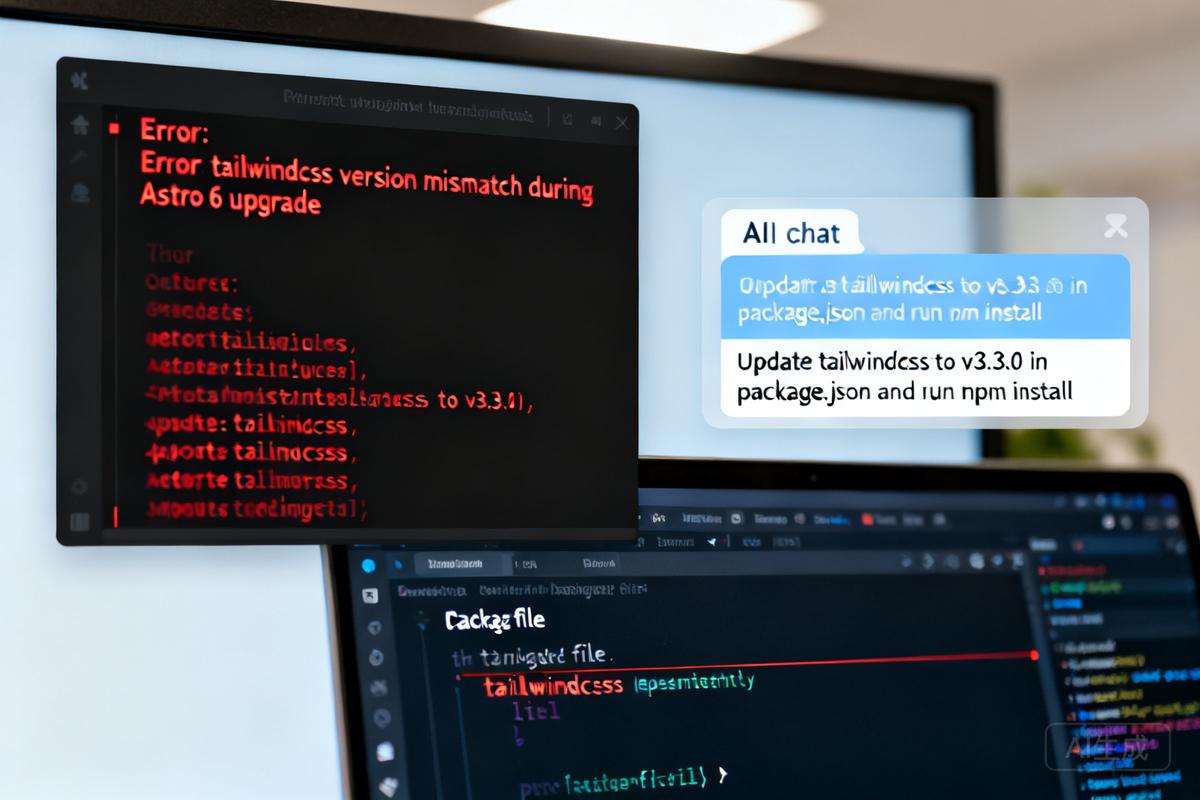
开发服务器立即崩溃,报出一个关于缺失 tailwindcss 包的模糊错误。
我盯着错误看了一分钟。然后做了任何 2026 年理智开发者都会做的事——召来一个 AI 编码代理,让它帮我修复一切。
这篇文章是我希望当时就拥有的实战指南,同时也是一个提醒:AI 代理极为有用,但自信得危险——你仍然需要自己明白在做什么。
What I started with
升级前的环境
What I ended up with
升级后的环境
- Astro 6.2 (Astro 6.2)
Error 1: Cannot find package 'tailwindcss'
错误 1:无法找到 tailwindcss 包
Cannot find package 'tailwindcss' imported from
.../node_modules/@astrojs/tailwind/dist/index.js
What happened
发生了什么
升级命令安装了 @astrojs/tailwind v6,但它的 package.json 仅将 tailwindcss 列为对等依赖,并未自带包。由于我的 dependencies 中没有 tailwindcss,Node 无法解析它。
The agent's diagnosis
AI 代理的诊断
我将错误粘贴给代理并询问原因。它立即诊断出对等依赖问题,然后自信地转向 PostCSS 方案——添加了 postcss.config.mjs、autoprefixer 和 @tailwind 指令。网站可以运行了,但方法完全错误。
我不得不要求代理坚持使用 Tailwind CSSA utility-first CSS framework for rapidly building custom user interfaces. 并迁移到 PostCSS,并让它查阅 Astro 文档而非猜测。代理随后给出两个选项:
选项 A:停留在 Tailwind 3(最简方案)
npm install tailwindcss@3
import tailwind from '@astrojs/tailwind';
// ...
integrations: [tailwind()]
在集成包之外安装 tailwindcss@3,其余保持不变。这是 Astro 文档为旧版 Tailwind 3 项目推荐的路径。
选项 B:升级到 Tailwind 4
npx astro add tailwind
Astro 5.2+ 内置了 astro add tailwind 命令,可安装官方 Vite一个快速的前端构建工具和开发服务器,Astro 底层使用 Vite。 插件 @tailwindcss/vite,这是在 Astro 中使用 Tailwind 4 的新推荐方式。
This sets up:
该命令会自动配置 Vite 插件、生成包含 @import "tailwindcss" 的全局 CSS 文件,并移除对 tailwind.config.mjs 的需求——v4 改用基于 CSS 的配置。
若选择此路线,可完全移除 @astrojs/tailwind,并参考 Tailwind v4 升级指南将自定义主题迁移为 CSS 变量。
Table: Option A vs Option B
表格:选项对比
| Aspect | Option A (Stay on Tailwind 3) | Option B (Upgrade to Tailwind 4) |
|---|---|---|
| Complexity | Low – just install a package | Medium – run Astro CLI, update config |
| Integration | @astrojs/tailwind |
@tailwindcss/vite (official plugin) |
| Configuration file | tailwind.config.mjs still required |
No config file – CSS‑based @theme |
| Backwards compatibility | Full – no code changes needed | May need to migrate custom theme |
| Future‑proofing | Short‑term (Tailwind 3 LTS ends) | Long‑term (Tailwind 4 is current) |
| Recommended for | Quick migration, legacy projects | New projects, or willing to refactor |
What happened next: The correct approach
后续:正确的做法
@import "tailwindcss";

@theme {
  --color-primary: #f97316;
  --color-hover: #ea580c;
  --color-light: rgba(249, 115, 22, 0.15);
  --color-secondary: #fdba74;
}

@variant dark (&:where(.dark, .dark *));
我指示代理按选项 B 执行,运行 npx astro add tailwind 配置正确的 Vite 插件,然后将自定义主题迁移到 global.css 中的新 @theme 块。
如果你想保留 Tailwind 3: 使用选项 A,让 @astrojs/tailwind 完成工作。
如果你想要 Tailwind 4: 使用选项 B 和官方 Vite 插件,不要手动配置 PostCSS。
Error 2: LegacyContentConfigError
错误 2:旧版内容配置错误
[LegacyContentConfigError] Found legacy content config file in
"src/content/config.ts". Please move this file to
"src/content.config.ts" and ensure each collection has a loader defined.
解决了 Tailwind 的问题后,我乐观地重启了开发服务器,然后下一个错误出现了。
What happened
发生了什么
Astro 5 引入了内容层 API,但保留了旧版集合的自动向后兼容。Astro 6 完全移除了这一安全网。我的 src/content/config.ts 中的 type: 'content' 和 type: 'data' 写法不再有效。
The fix
修复方案
Before:
之前:
import { defineCollection, z } from 'astro:content';

const writings = defineCollection({
  type: 'content',
  schema: z.object({ ... })
});

const projects = defineCollection({
  type: 'data',
  schema: z.array(z.object({ ... }))
});

export const collections = { writings, projects };
After:
之后:
import { defineCollection } from 'astro:content';
import { glob, file } from 'astro/loaders';
import { z } from 'astro/zod';

const writings = defineCollection({
  loader: glob({ pattern: '**/[^_]*.mdx', base: './src/content/writings' }),
  schema: z.object({ ... })
});

const projects = defineCollection({
  loader: file('src/content/projects/projects.json'),
  schema: z.object({ ... })  // not z.array(...)
});

export const collections = { writings, projects };
Key changes:
// Before
href={`/writings/${post.slug}`}
// After
href={`/writings/${post.id}`}
关键变更:
- 文件位置:
src/content/config.ts→src/content.config.ts(位于src/项目根目录)。 z导入: 从astro:content改为astro/zod。- 移除
type: 不再使用type: 'content'或type: 'data',需要显式声明loader。 - 数据集合: 如果之前使用
type: 'data'配合 JSON 文件,新的file()加载器会为每个顶层对象返回一条记录,schema 应为z.object(...)(单条内容)而非z.array(...)(整个文件)。 slug→id: 旧 API 自动派生entry.slug,新 API 使用entry.id作为标识符。URL 需要相应更新。
href={`/writings/${post.id.replace(/\/index$/, '')}`}
这里代理越界了。它告诉我,由于我的文章存放在 folder/index.mdx 结构中,glob() 会根据文件路径生成 ID,例如 migrating-astro-5-to-astro-6/index,因此建议去掉后缀。
我感觉不对劲。我的 writings 集合中每篇文章的 frontmatter 都已包含 slug 字段,我直觉认为 Astro 会将其用作 id。我要求代理对照 Astro 文档核实。
查阅文档后,代理无法确认当 frontmatter 中存在 slug 时是否会附加 /index。在实践中,post.id 已经是 migrating-astro-5-to-astro-6,从未出现 /index。对我的项目来说,.replace() 是多余的,直接使用 post.id 完美工作。
注意: 始终对照自己的代码和构建输出验证代理生成的内容。代理很快,但最终负责发布的是你。
到目前为止一切顺利。代理为我节省了大量时间。然后它变得过于自信了。
Error 3: Property 'runtime' does not exist...
错误 3:属性 runtime 不存在……
原始输入内容在此处截断。在原文章中,作者描述了第三个关于 runtime 不存在的错误,可能来自 Cloudflare云服务提供商,支持边缘函数、静态资源部署等,Astro 项目可通过 @astrojs/cloudflare 集成部署。 适配器或服务端代码。代理尝试修复,却引发了更多问题。
优雅地结束:核心启示是,AI 代理是强大的加速器,但并非万无一失。它们可能自信地提出错误的解决方案并忽略细微上下文。开发者的角色仍然至关重要——验证、质疑并做出最终决定。始终对照官方文档和自己的构建输出来测试代理的建议。
常见问题(FAQ)
Astro 5 升级到 6 遇到 tailwindcss 找不到错误怎么办?
升级后缺失 tailwindcss 包是因为 @astrojs/tailwind v6 将其列为对等依赖。解决方案:选项 A 安装 tailwindcss@3,选项 B 使用 npx astro add tailwind 迁移到 Tailwind 4。
AI 代理在升级 Astro 时犯了什么常见错误?
AI 代理在诊断 tailwindcss 缺失后,错误地建议使用 PostCSS 配置和 autoprefixer,而非正确的 Tailwind 方案。需要人工干预并参考官方文档才能得到正确选项。
从 Astro 5 升级到 6 后,如何选择 Tailwind 版本?
选项 A:保留 Tailwind 3,仅安装 tailwindcss@3 并保持原有集成配置。选项 B:升级到 Tailwind 4,运行 npx astro add tailwind 安装官方 Vite 插件,这是推荐的新方式。
版权与免责声明:本文仅用于信息分享与交流,不构成任何形式的法律、投资、医疗或其他专业建议,也不构成对任何结果的承诺或保证。
文中提及的商标、品牌、Logo、产品名称及相关图片/素材,其权利归各自合法权利人所有。本站内容可能基于公开资料整理,亦可能使用 AI 辅助生成或润色;我们尽力确保准确与合规,但不保证完整性、时效性与适用性,请读者自行甄别并以官方信息为准。
若本文内容或素材涉嫌侵权、隐私不当或存在错误,请相关权利人/当事人联系本站,我们将及时核实并采取删除、修正或下架等处理措施。也请勿在评论或联系信息中提交身份证号、手机号、住址等个人敏感信息。