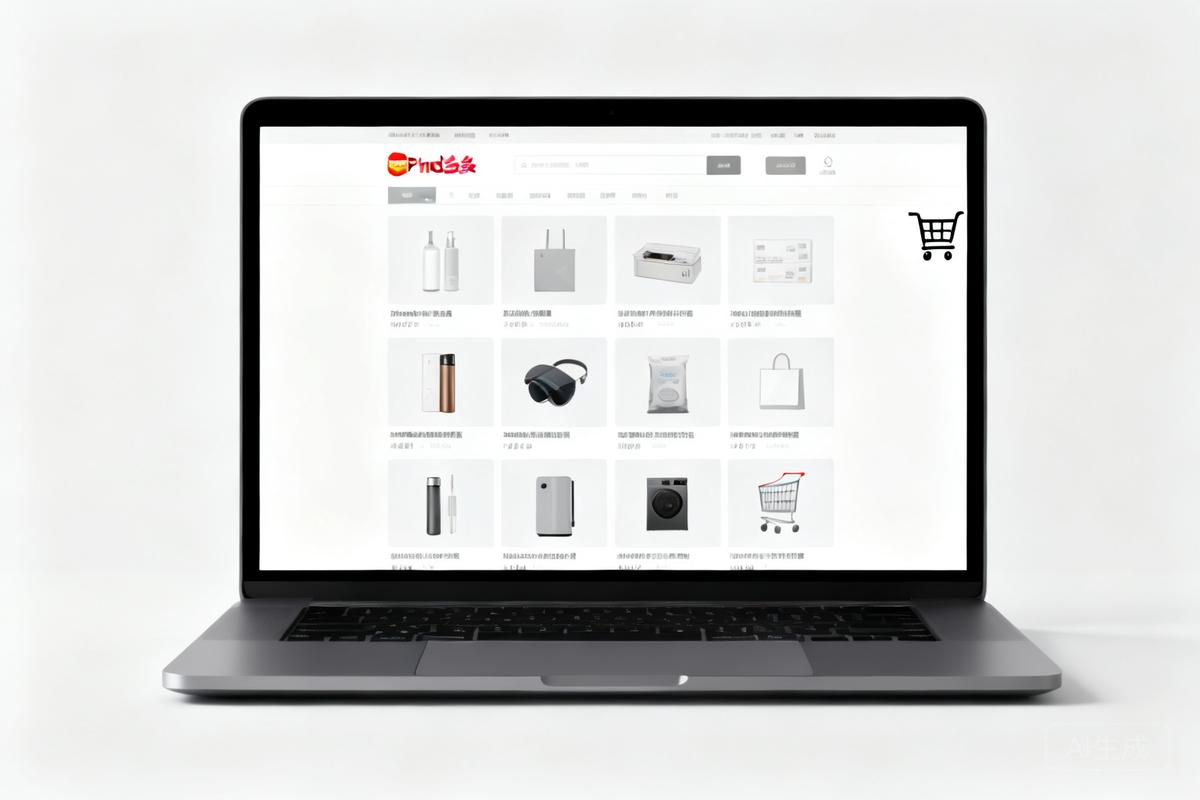
拼多多网页版官方入口哪里找?多件商品合并购买如何操作?附详细过程(2026)
AIAI Summary (BLUF)
The Pinduoduo web version entrance URL is https://mobile.pinduoduo.com/. To purchase multiple items together, first favorite them, then go to 'Product Collection', select items, and click 'Go to Checkout'.
原文翻译:拼多多网页版入口地址为 https://mobile.pinduoduo.com/。若要合并购买多个商品,先收藏商品,进入“商品收藏”,勾选商品,点击“去结算”即可。
引言
许多用户习惯通过手机 App 使用拼多多,但在某些场景下(如 PC 端浏览或办公环境),网页版提供了更便捷的操作体验。本文将介绍拼多多网页版拼多多的Web端访问入口,用户可通过浏览器直接访问并使用部分购物功能。的官方入口地址,并详细说明如何通过网页版实现多件商品合并加入购物车电商平台中用于暂存待购买商品的虚拟容器,支持合并支付。并批量结算。
Many users are accustomed to using Pinduoduo via the mobile app. However, in certain scenarios—such as browsing on a PC or working in an office environment—the web version offers a more convenient experience. This article introduces the official entry address of the Pinduoduo web version and explains in detail how to combine multiple items into the cart for batch checkout.
拼多多网页版拼多多的Web端访问入口,用户可通过浏览器直接访问并使用部分购物功能。入口地址
拼多多官方网页版的登录入口为:
https://mobile.pinduoduo.com/
请直接访问上述网址,即可进入拼多多网页版拼多多的Web端访问入口,用户可通过浏览器直接访问并使用部分购物功能。首页。该地址为官方提供的移动端网页适配版本,支持商品搜索、浏览、收藏及购买等核心功能。
The official login portal for the Pinduoduo web version is:
https://mobile.pinduoduo.com/Visit the URL above to directly access the Pinduoduo web homepage. This address is the official mobile-optimized web version, supporting core functions such as product search, browsing, favoriting, and purchasing.
如何批量加入购物车电商平台中用于暂存待购买商品的虚拟容器,支持合并支付。并合并结算
拼多多网页版拼多多的Web端访问入口,用户可通过浏览器直接访问并使用部分购物功能。默认不支持像传统电商那样直接勾选商品加入购物车电商平台中用于暂存待购买商品的虚拟容器,支持合并支付。,但通过“商品收藏用户收藏感兴趣商品的功能模块,集合后可进行批量操作。”功能可以实现类似效果。以下是具体步骤:
The Pinduoduo web version does not natively support adding multiple items to the cart by checkbox like traditional e-commerce sites. However, you can achieve a similar effect using the “Favorites” function. The specific steps are as follows:
浏览并收藏目标商品
首先浏览您想要购买的商品,在每个商品详情页点击“收藏”按钮进行收藏。Browse and favorite target products
First, browse the products you want to purchase, and click the “Favorite” button on each product detail page.进入“商品收藏用户收藏感兴趣商品的功能模块,集合后可进行批量操作。”页面
点击页面右上角的“我的收藏”或导航栏中的“商品收藏用户收藏感兴趣商品的功能模块,集合后可进行批量操作。”入口,进入收藏列表。Enter the “Product Favorites” page
Click the “My Favorites” link in the top‑right corner or the “Product Favorites” entry in the navigation bar to access the favorites list.勾选需要一起购买的商品
在收藏列表中找到需要购买的商品,勾选对应商品左侧的复选框。可同时勾选多件商品。Select the products to purchase together
In the favorites list, locate the items you want to buy and check the checkbox on the left side of each product. You can select multiple items at once.点击“去结算进入订单确认页面并完成支付的按钮操作。”
勾选完成后,点击列表底部的“去结算进入订单确认页面并完成支付的按钮操作。”按钮,系统将自动跳转到合并结算页面,从而一次性完成所有选中商品的购买。Click “Go to Checkout”
After selecting the items, click the “Go to Checkout” button at the bottom of the list. The system will automatically redirect you to a consolidated checkout page, allowing you to purchase all selected products in one go.
总结
拼多多网页版拼多多的Web端访问入口,用户可通过浏览器直接访问并使用部分购物功能。通过 https://mobile.pinduoduo.com/ 访问,并利用商品收藏用户收藏感兴趣商品的功能模块,集合后可进行批量操作。来实现多件商品的批量购买。以上步骤适用于大部分常规商品,若遇特殊活动或限购商品,建议以页面实际显示为准。掌握这一技巧可显著提升购物效率,特别是在需要凑单或合并购买时。
The Pinduoduo web version is accessible via
https://mobile.pinduoduo.com/, and batch purchasing is realized through the product favorites feature. The steps above apply to most regular products. For special promotions or limited‑quantity items, please refer to the actual page instructions. Mastering this technique can significantly improve shopping efficiency, especially when you need to combine orders or make bulk purchases.
常见问题(FAQ)
拼多多网页版拼多多的Web端访问入口,用户可通过浏览器直接访问并使用部分购物功能。入口是什么?
拼多多网页版拼多多的Web端访问入口,用户可通过浏览器直接访问并使用部分购物功能。官方入口为 https://mobile.pinduoduo.com/,直接访问即可使用商品搜索、收藏、购买等功能。
如何将多个商品合并付款?
先收藏商品,进入“商品收藏用户收藏感兴趣商品的功能模块,集合后可进行批量操作。”,勾选需要合并的商品,点击“去结算进入订单确认页面并完成支付的按钮操作。”即可合并支付,一次性完成所有选中商品的购买。
拼多多网页版拼多多的Web端访问入口,用户可通过浏览器直接访问并使用部分购物功能。如何批量购买?
通过收藏功能实现:浏览商品时点击收藏,然后在收藏列表中勾选多个商品,点击“去结算进入订单确认页面并完成支付的按钮操作。”进行批量购买,提高凑单效率。
版权与免责声明:本文仅用于信息分享与交流,不构成任何形式的法律、投资、医疗或其他专业建议,也不构成对任何结果的承诺或保证。
文中提及的商标、品牌、Logo、产品名称及相关图片/素材,其权利归各自合法权利人所有。本站内容可能基于公开资料整理,亦可能使用 AI 辅助生成或润色;我们尽力确保准确与合规,但不保证完整性、时效性与适用性,请读者自行甄别并以官方信息为准。
若本文内容或素材涉嫌侵权、隐私不当或存在错误,请相关权利人/当事人联系本站,我们将及时核实并采取删除、修正或下架等处理措施。 也请勿在评论或联系信息中提交身份证号、手机号、住址等个人敏感信息。