EchOS如何通过Telegram实现无摩擦个人知识管理?
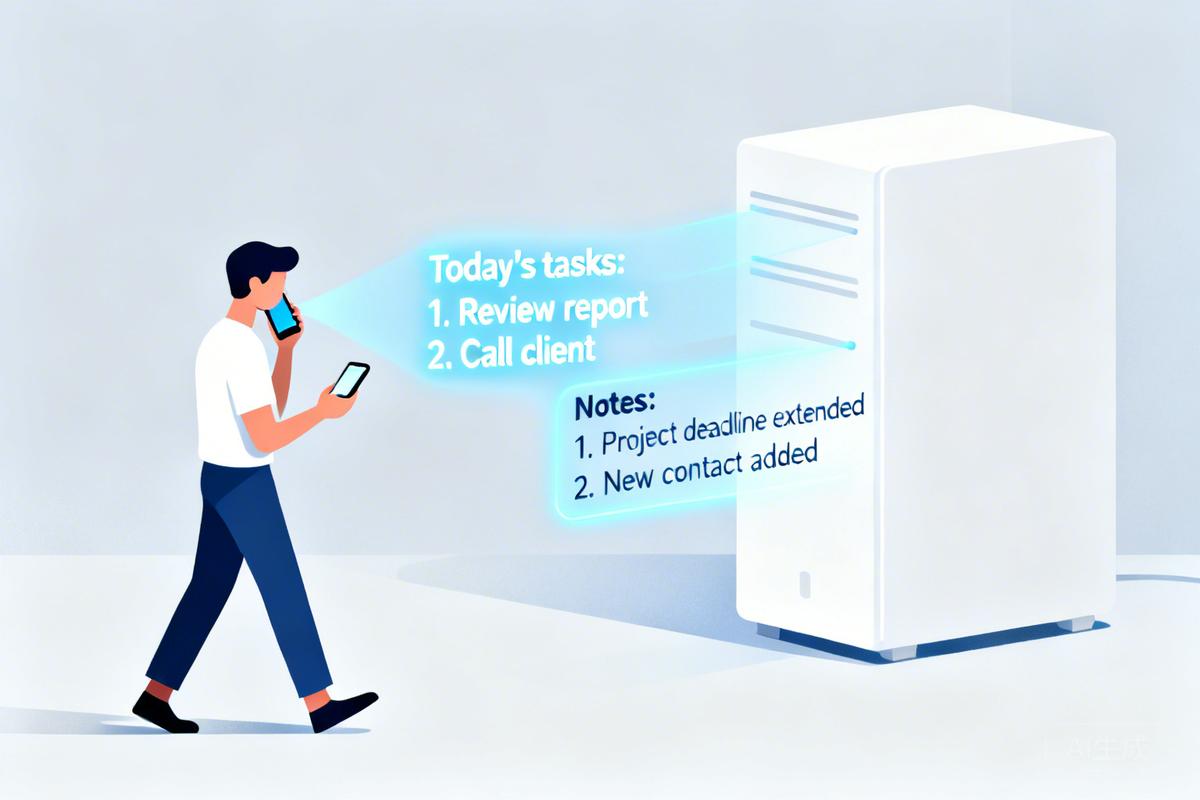
EchOS is a self-hosted, AI-powered personal knowledge management system that captures, organizes, and retrieves information through natural conversation interfaces like Telegram, storing everything as plain Markdown files compatible with Obsidian.
原文翻译: EchOS 是一个自托管的、AI驱动的个人知识管理系统,通过Telegram等自然对话界面捕获、组织和检索信息,将所有内容存储为与Obsidian兼容的纯Markdown文件。
项目简介
EchOS 是一个个人项目,专为单一用户设计,部署在您自己的基础设施上。它有意设计为非多租户系统。
EchOS is a personal project — built for one user, deployed on your own infrastructure. It is intentionally not multi-tenant.

通过自然对话保存文章、搜索知识、获取提醒。
核心体验
您正在走路,突然有了一个想法。您打开 Telegram,把它说出来。三十秒后,它已经进入了您的知识库——转录、分类、打上标签、可供搜索。您没有打开一个应用,没有填写表单,也没有思考该把它放在哪里。
You're walking and a thought hits. You open Telegram and say it out loud. Thirty seconds later it's in your knowledge base — transcribed, categorized, tagged, searchable. You didn't open an app. You didn't fill a form. You didn't think about where to put it.
这就是 EchOS 试图解决的问题。不是存储,而是摩擦。
That's the thing EchOS is trying to solve. Not the storage. The friction.
您:    帮我保存这个 → [粘贴文章 URL]
EchOS: 已保存。"Rust 如何处理内存安全" — 已标记为 rust, programming。
        如果您需要摘要,我已提取了关键点。

您:    关于内存管理,我知道些什么?
EchOS: 找到 7 条笔记。您刚保存的关于 Rust 的文章,两条关于 GC 暂停的旧笔记,
        还有上周二您吐槽 malloc 的语音笔记...

您:    就此写一篇短文——用我的风格,技术性强但可读性好
EchOS: [根据您的实际笔记,以您的口吻起草了一篇文章]

您:    保存它。
EchOS: 完成。您可以随时在 Obsidian 中打开它。
无需记忆命令,无需设计架构,无需维护仪表板。
No commands to memorize. No schemas to design. No dashboards to maintain.
为何选择自托管
您的笔记属于您自己。它们存储在您的服务器上,是纯 Markdown 文件,您现在就可以在 Obsidian 中打开。没有订阅费,没有同步费,也没有供应商来决定如何处理您的思考。
Your notes are yours. They live on your server, in plain Markdown files you can open in Obsidian right now. No subscription. No sync fees. No vendor deciding what to do with your thinking.
唯一的对外调用是您配置的 AI API——并且仅在您要求它执行某些操作时进行。
The only outbound calls are to the AI APIs you configure — and only when you ask it to do something.
核心功能概览
无摩擦捕获。 通过 Telegram、终端或网页捕获文本、URL、语音消息、照片。它会判断如何处理它们。
Capture without friction. Text, URLs, voice messages, photos — through Telegram, the terminal, or the web. It figures out what to do with them.
真正理解您的搜索。 不是关键词匹配。混合全文和语义搜索:像问人一样提问,它能找到您想要的内容。
Search that actually understands you. Not keyword matching. Hybrid full-text and semantic search: ask it a question the way you'd ask a person, and it finds what you meant.
以您的口吻写作。 告诉它写一篇博客文章、一条推文、一封邮件。它会阅读您的笔记作为素材,并匹配您实际的写作风格——而不是通用的 AI 文本。
Write in your voice. Tell it to write a blog post, a thread, an email. It reads your notes for source material and matches the way you actually write — not generic AI prose.
始终与 Obsidian 兼容。 每条笔记都是一个纯 .md 文件。在 Obsidian 中打开 $ECHOS_HOME/knowledge(默认:~/echos/knowledge),您的整个知识库就在那里。实时同步,双向。
Obsidian-compatible, always. Every note is a plain
.mdfile. Open$ECHOS_HOME/knowledge(default:~/echos/knowledge) in Obsidian and your entire knowledge base is right there. Live sync, bidirectional.
记住您希望它如何交谈。 告诉它要简洁、更热情、更技术化。它会立即适应并保持这种风格。
Remembers how you want it to talk. Tell it to be concise, warmer, more technical. It adapts immediately and stays that way.
快速开始
macOS (Homebrew)
brew tap albinotonnina/echos
brew update
brew install echos
echos-setup          # 基于浏览器的设置向导
brew services start echos
一行命令 (macOS + Linux)
curl -sSL https://raw.githubusercontent.com/albinotonnina/echos/main/install.sh | bash
手动安装
git clone https://github.com/albinotonnina/echos.git && cd echos
pnpm install && pnpm build
pnpm wizard         # 打开 http://localhost:3456 进行引导式设置
pnpm start
您需要一个 LLM API 密钥——可以是 Anthropic 的 (ANTHROPIC_API_KEY,按量付费,不是 Claude 订阅) 或任何其他 pi-ai 支持的提供商 (LLM_API_KEY)。自定义的 OpenAI 兼容端点(DeepInfra、本地 Ollama 等)通过 LLM_BASE_URL 支持。其他所有配置都是可选的。
You'll need an LLM API key — either Anthropic (
ANTHROPIC_API_KEY, pay-as-you-go, not a Claude subscription) or any other provider supported by pi-ai (LLM_API_KEY). Custom OpenAI-compatible endpoints (DeepInfra, local Ollama, etc.) are supported viaLLM_BASE_URL. Everything else is optional.
→ 完整设置指南请访问 docs.echos.sh/distribution
文档与架构
深入探索所需的一切都在 docs.echos.sh。
Everything you need to go deeper is at docs.echos.sh.
| 文档章节 | 内容描述 |
|---|---|
| 架构 | 各组件如何协同工作 |
| 部署 | VPS、Docker、nginx、systemd |
| 安全 | EchOS 如何处理您的数据 |
| 知识导入 | 导入您的 Obsidian 仓库或 Notion 导出 |
| 写作 | 语音配置文件和内容生成 |
| 插件 | YouTube、文章以及构建您自己的插件 |
| 故障排除 | 出现问题时的解决方案 |
许可证
MIT
MIT
常见问题(FAQ)
EchOS 如何实现无摩擦的知识捕获?
EchOS 通过 Telegram 等自然对话界面捕获信息,您只需像聊天一样发送文本、URL、语音或照片,系统会自动转录、分类、打标签并保存为 Markdown 文件,无需打开应用或填写表单。
为什么选择自托管的 AI 知识管理系统?
自托管确保您的笔记完全属于您自己,存储在您的服务器上,为纯 Markdown 文件,可直接在 Obsidian 中打开。无订阅费、同步费,且对外调用仅限于您配置的 AI API,仅在需要时触发。
EchOS 的搜索功能有什么特别之处?
EchOS 采用混合全文和语义搜索,能真正理解您的提问意图,而非简单关键词匹配。您可以像问人一样提问,系统会基于您的知识库内容,找到相关笔记并返回准确结果。
版权与免责声明:本文仅用于信息分享与交流,不构成任何形式的法律、投资、医疗或其他专业建议,也不构成对任何结果的承诺或保证。
文中提及的商标、品牌、Logo、产品名称及相关图片/素材,其权利归各自合法权利人所有。本站内容可能基于公开资料整理,亦可能使用 AI 辅助生成或润色;我们尽力确保准确与合规,但不保证完整性、时效性与适用性,请读者自行甄别并以官方信息为准。
若本文内容或素材涉嫌侵权、隐私不当或存在错误,请相关权利人/当事人联系本站,我们将及时核实并采取删除、修正或下架等处理措施。 也请勿在评论或联系信息中提交身份证号、手机号、住址等个人敏感信息。